
Installing / Applying theme in nopCommerce
Let's assume you just downloaded a new theme which is in a zip file.
- Extract the contents of your zip file and copy it under "Themes" folder like shown in the figure below:
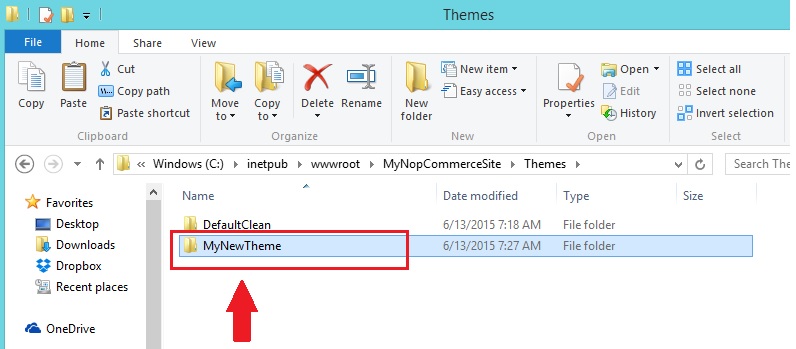
- Go to the admin section (
http://www.yourdomain.com/admin) - Go to Configuration → Settings → General And Miscellaneous settings
- Select new theme from the Default Store Theme and click Save.
Now, go to the public store. You should be able to see the new theme on your website.