Right To Left Theme
nopCommerce also supports right to left version of the public store theme.
nopCommerce default public store theme DefaultClean comes with the feature of a right to left version style sheet.
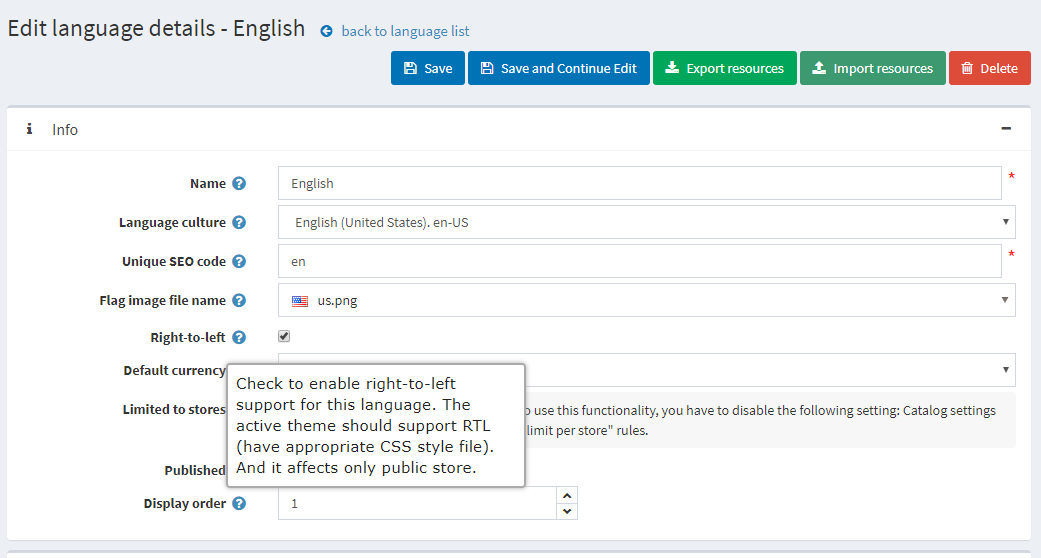
To enable "Right to Left" version of the theme, please go to Administration → Configuration → Languages, click on Edit a language, and ensure that Right-to-Left option is enabled.
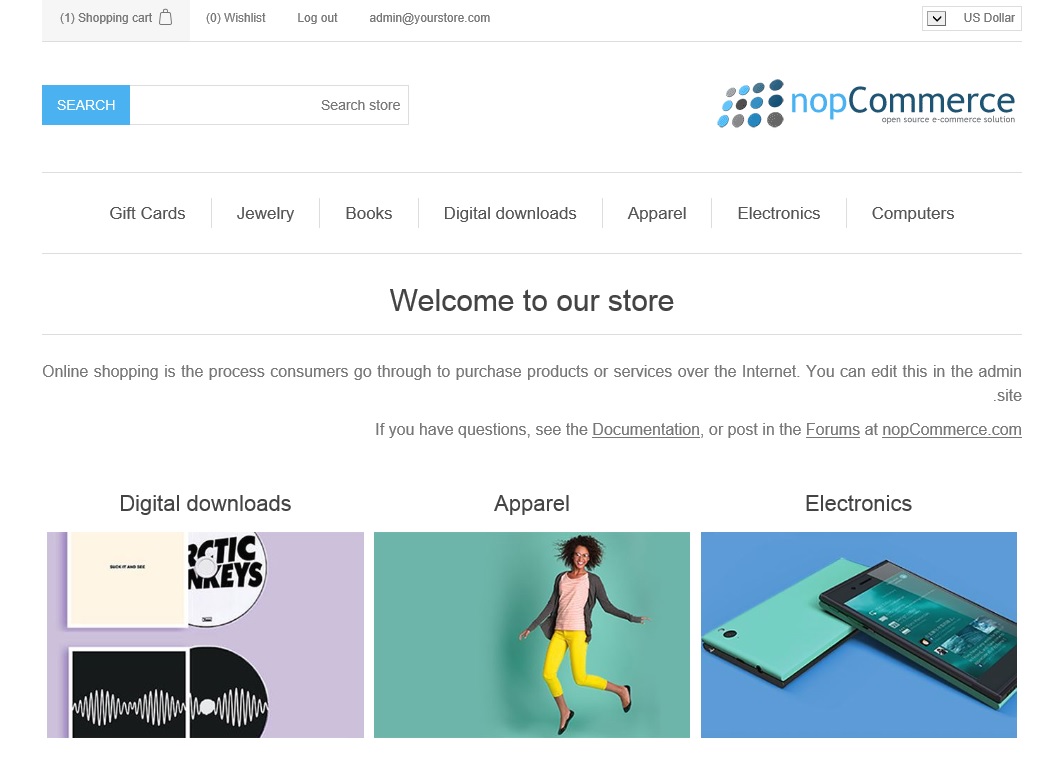
Now, if you see the public store, it will look like this:
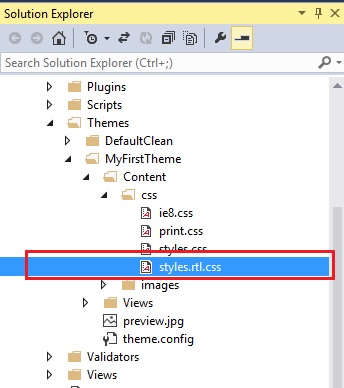
Styles used for RTL support are located in styles.rtl.css file.