
Choose and install a theme
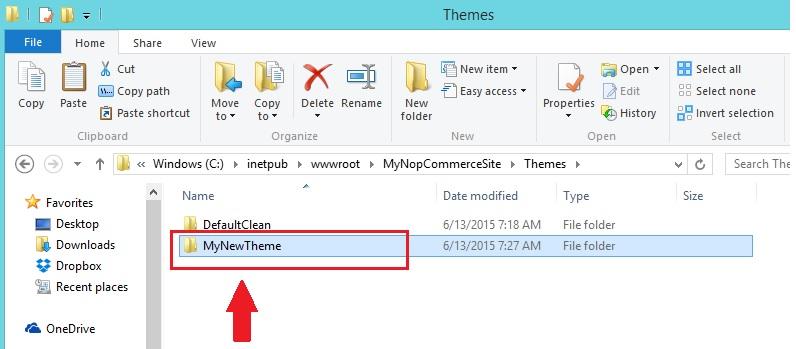
After downloading a new theme which is in a zip file, extract the contents of your zip file and copy it to the Themes folder like shown on the picture below:
Go to admin panel → Configuration → Settings → General settings.
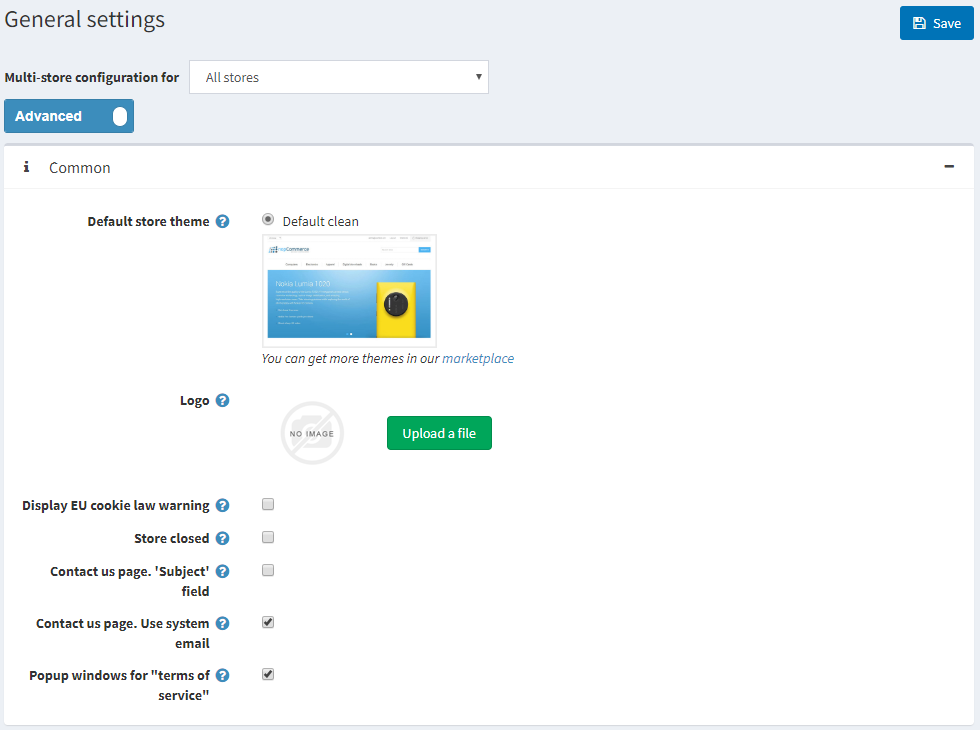
Select your new theme in the Default store theme field and click Save.
Go to the public store. You should be able to see the new theme applied to your store.