
Warnings
The following procedure describes how to view all the warnings that currently exist in the store.
To view store warnings go to System → Warnings. The Warnings window will be displayed, as follows:
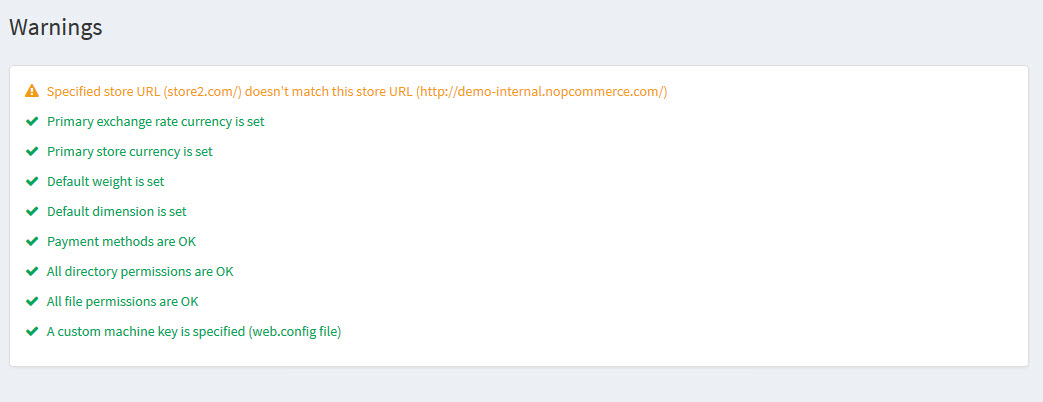
We recommend you to fix all warnings if exist. Otherwise, it affects your store efficiency and performance.
Refer the following articles in order to fix the existing warnings: